
Payments

Payment Handling

See all payments in one place. Track who paid, who still owes money, and export your financial data whenever you need it.

See all your payments in one place

Open your payment dashboard to see everything at once. You see who paid, who still owes money, and how much money you've collected.
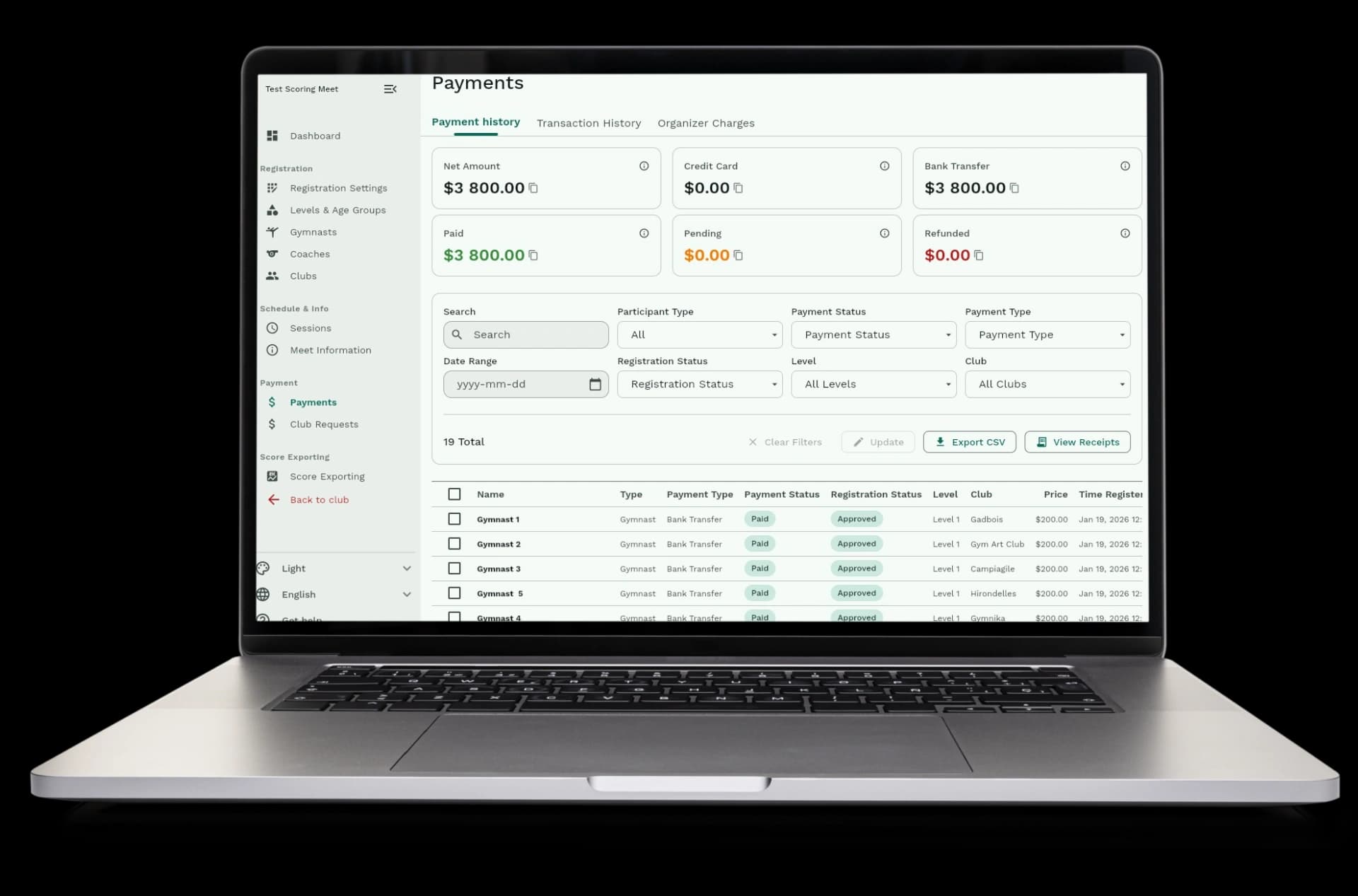
  • Payment dashboard: see all payments from all clubs in one screen
  • Payment status: see who paid with credit cards, bank transfers, or cash
  • Outstanding balances: see which clubs still owe money and how much
  • Payment totals: see how much money you've collected and how much is still pending
  • Filter and search: find specific payments by club, level, date, or payment method
See all your payments in one place

Track payments from any method

Clubs can pay with credit cards, bank transfers, cash, or checks. You see all payment methods in one place.
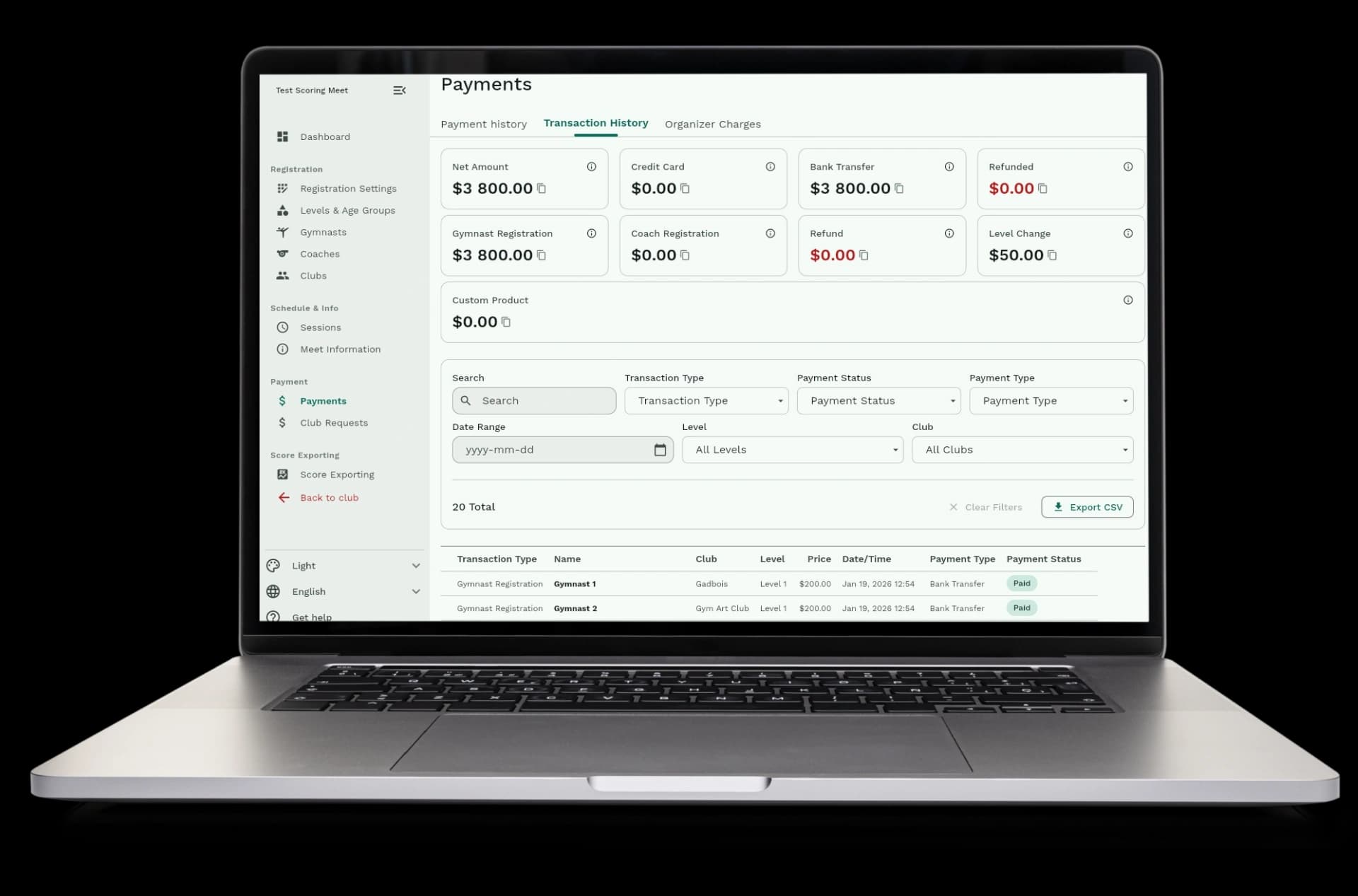
  • Credit card payments: see all Stripe payments right away when clubs pay online
  • Bank transfers: track when clubs send money by bank transfer or wire transfer
  • Cash and checks: mark cash and check payments as received when clubs pay at the door
  • Payment history: see every payment ever made, sorted by date, club, or amount
  • Payment status: see which payments are complete, pending, or refunded
Track payments from any method

See who still owes money

Know exactly which clubs still need to pay. See outstanding balances for each club and track payment progress.
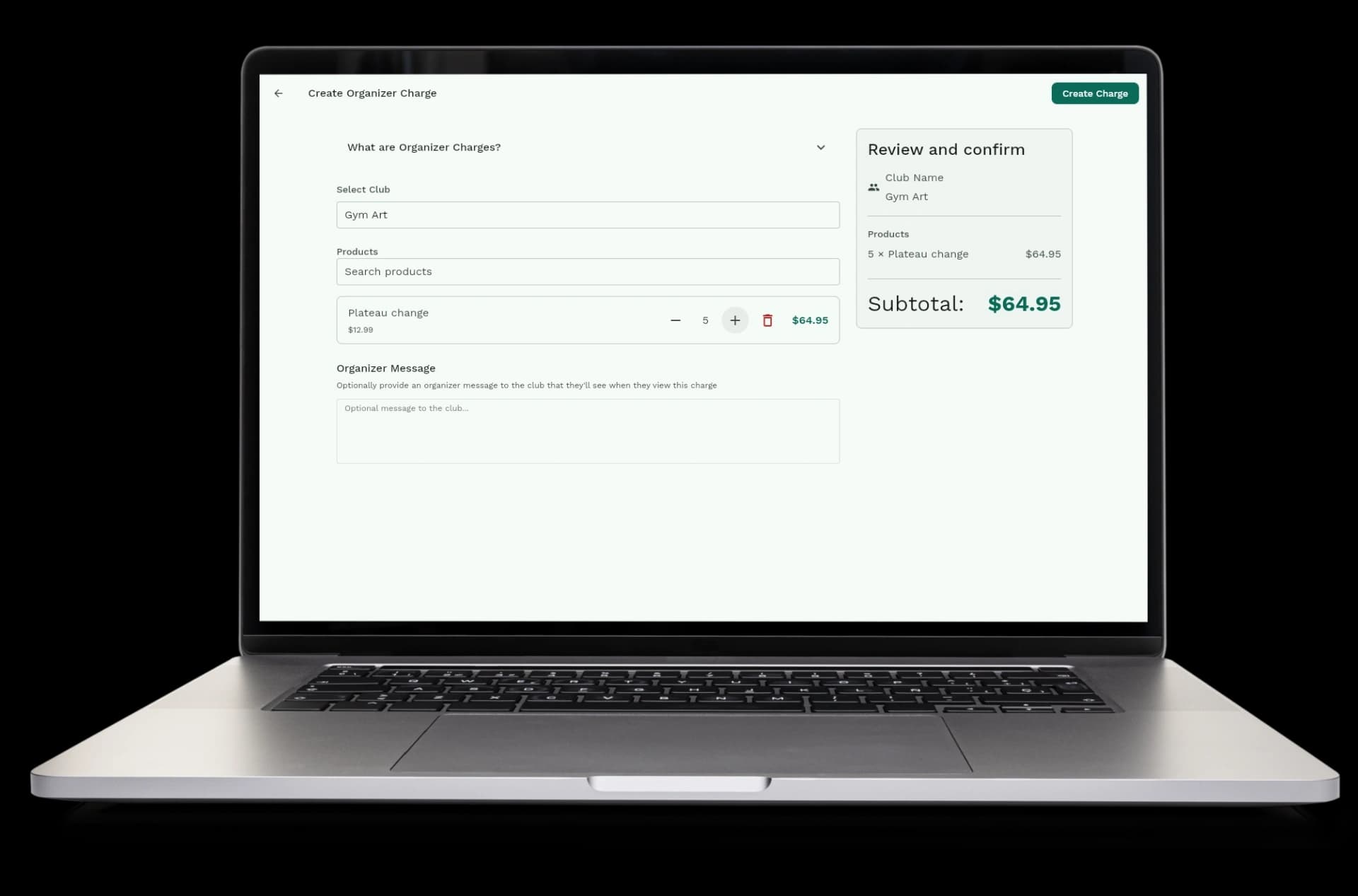
  • Outstanding balances: see how much each club still owes you
  • Club payment breakdown: see total amounts, paid amounts, and unpaid amounts per club
  • Payment progress: see which clubs have paid in full and which still owe money
  • Real-time updates: payment status updates right away when clubs pay or you mark payments as received
  • Payment reminders: see which clubs need payment reminders based on outstanding balances
See who still owes money

Export your financial data

Download payment data whenever you need it. Export to CSV with the information you choose.
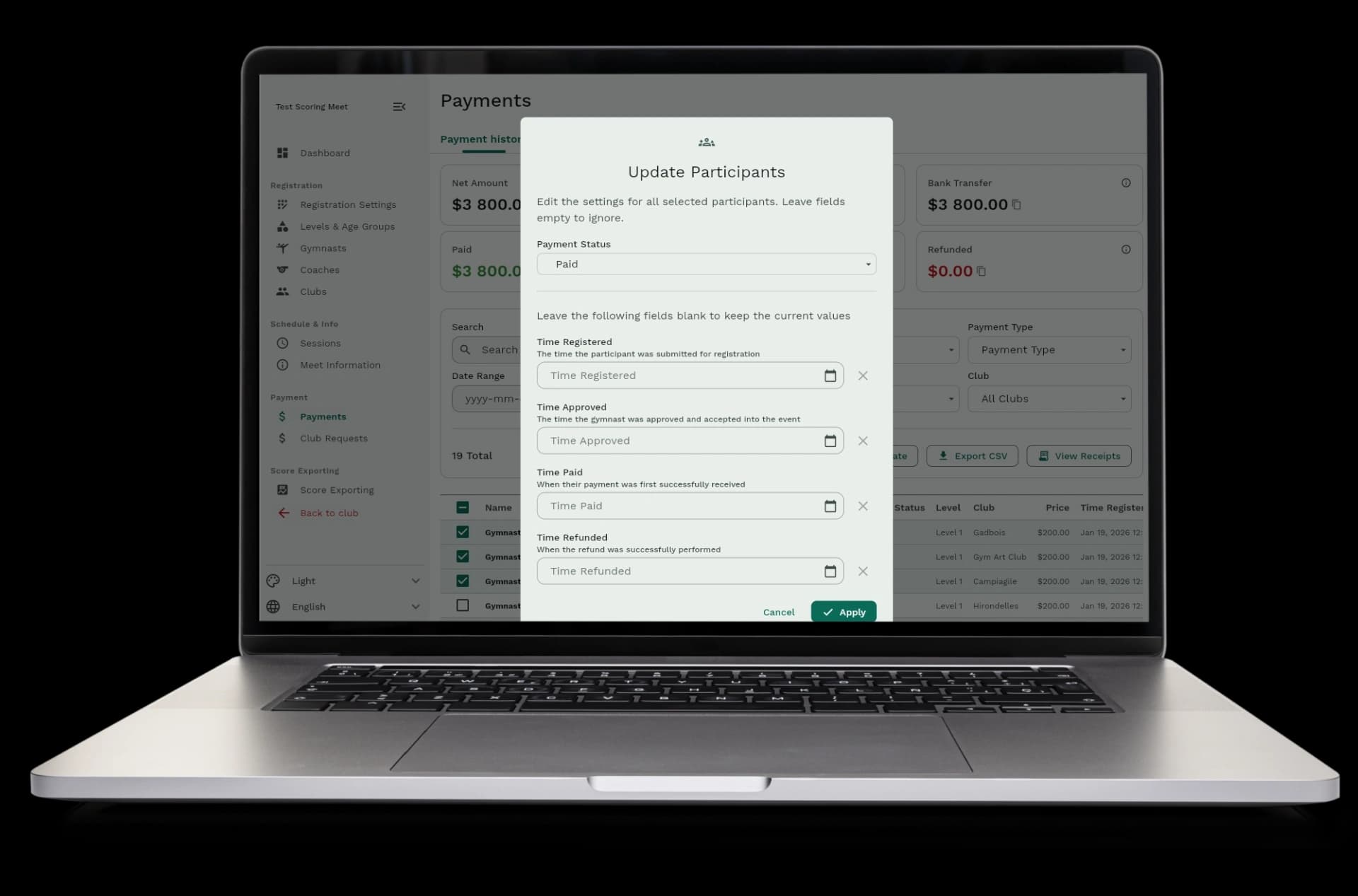
  • CSV export: download all payment data as a spreadsheet file
  • Choose what to export: pick which columns to include like payment status, amount, date, club name, or level
  • Filter before export: export only the payments you want to see, filtered by date, club, level, or payment method
  • Financial records: use exported data for accounting, tax records, or financial reports
  • Easy sharing: share payment data with your team or accountant in a standard format
Export your financial data

How payment tracking works

Payment tracking happens automatically. When clubs pay, you see it right away. When you mark cash or check payments as received, the system updates everything.
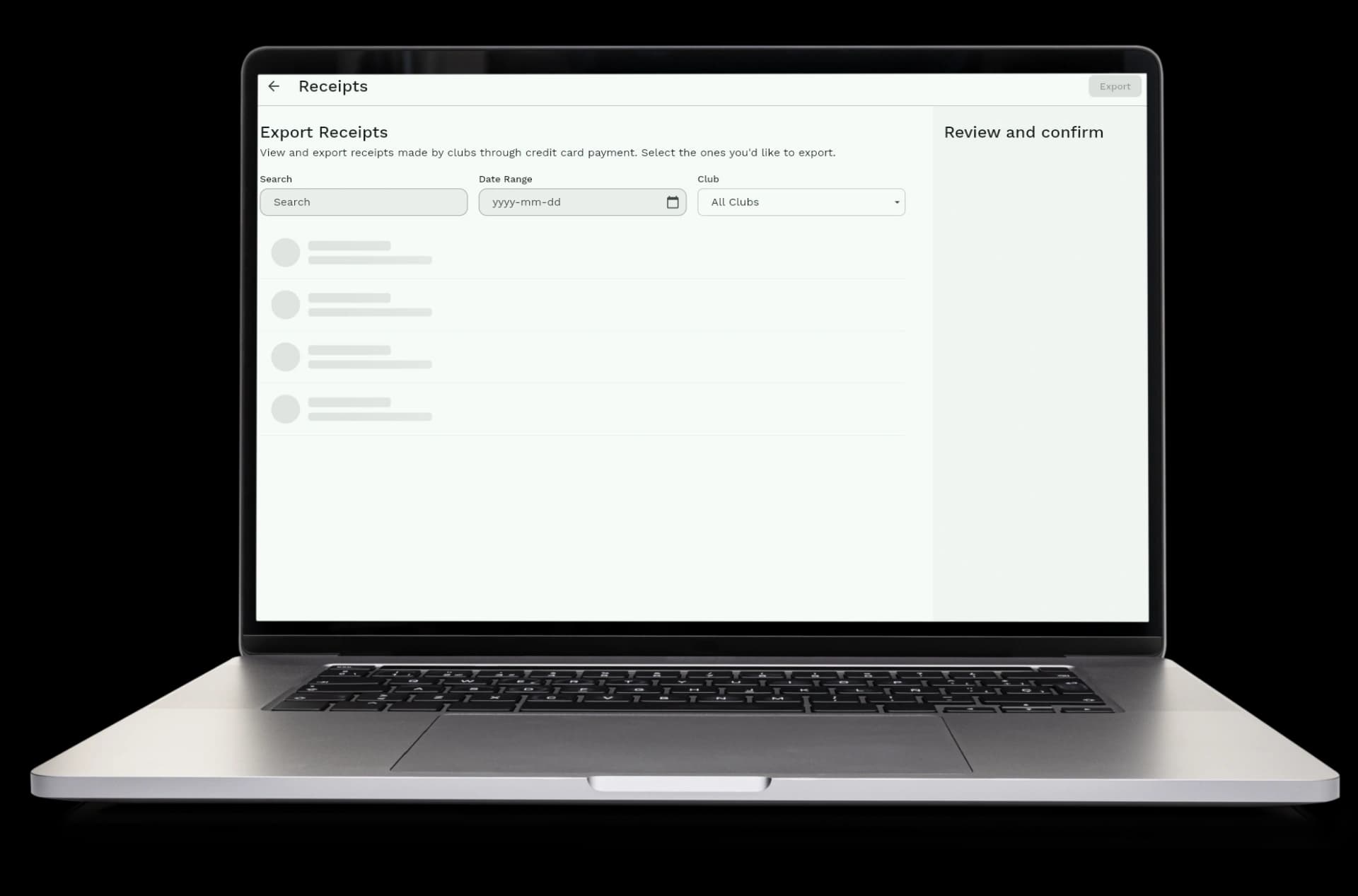
  • Step 1: Clubs pay online with credit cards or choose to pay by bank transfer, cash, or check
  • Step 2: Credit card payments show up in your dashboard right away when clubs complete payment
  • Step 3: For bank transfers, cash, or checks, you mark the payment as received when you get the money
  • Step 4: The system tracks all payments and shows you who paid and who still owes money
  • Step 5: Export payment data whenever you need it for accounting or financial records
How payment tracking works

Automatic tracking and payment insights

The system tracks payments automatically and provides insights to understand your meet's finances. Everything is calculated and shown to you automatically, with detailed statistics and analytics.

  • Automatic totals: payment totals are calculated automatically as clubs pay
  • Automatic status updates: payment status changes right away when clubs pay online
  • Payment statistics: see total amounts collected, pending amounts, and refunded amounts
  • Payment method breakdown: see how much came from credit cards versus bank transfers, cash, or checks
  • Financial overview: get a complete picture of your meet's financial status at a glance
Automatic tracking and payment insights

Available in Gym Art Meets

Payment handling is part of Gym Art Meets, our meet management platform.