Export

PDF Exporting

Export scores, results, and squad sheets to PDF. Share with federations, print for awards, or save for records.

Export your results in seconds

Choose what you want to export, pick your options, and download your PDF. Your PDFs are ready to print or share right away.
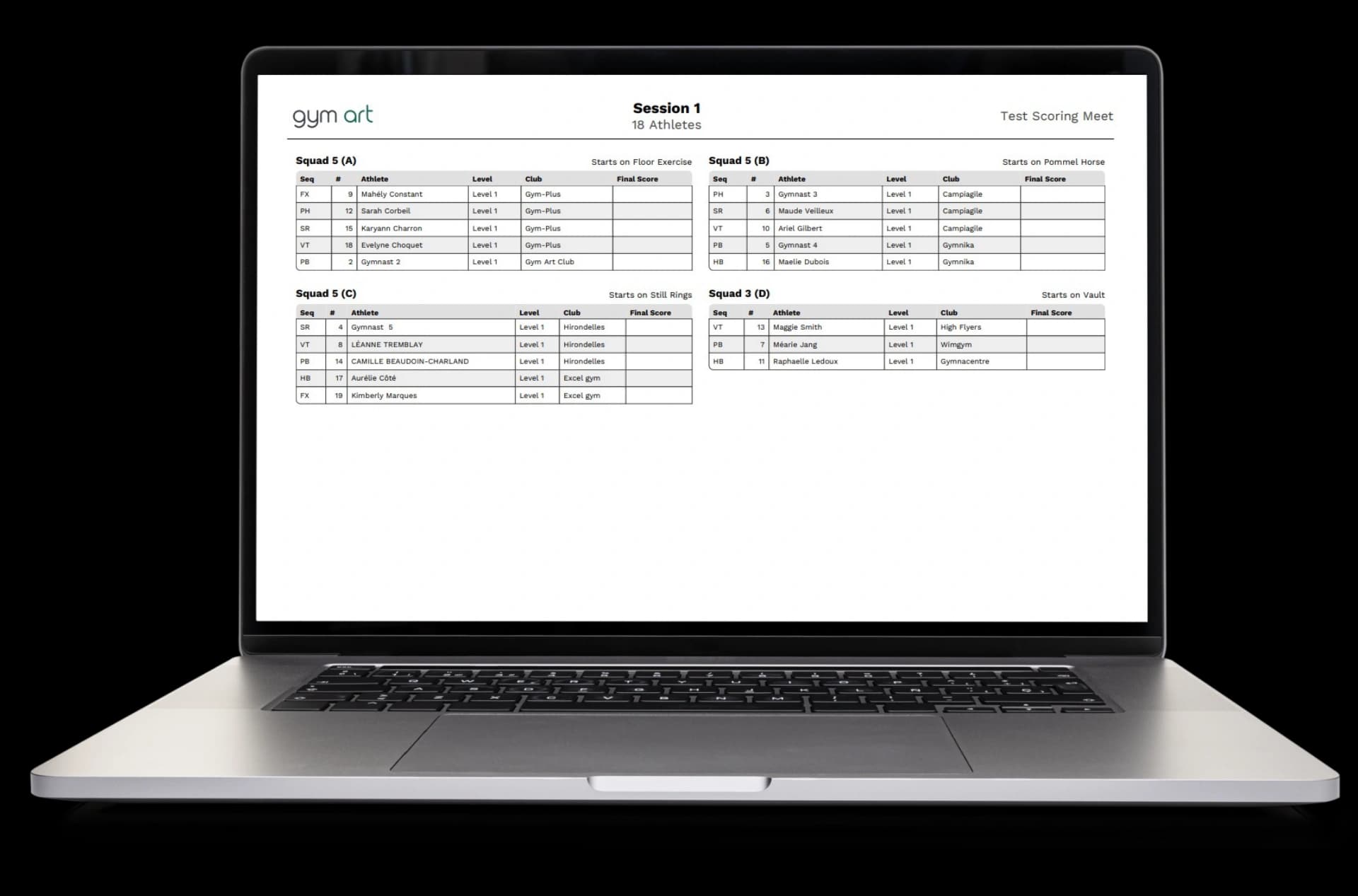
  • Select what to export: choose scores, results, or squad sheets with starting positions
  • Pick your options: choose individual or team results, full tables or apparatus-specific tables
  • Preview before export: see exactly what your PDF will look like before you download it
  • Download instantly: get your PDF file right away, ready to print or share
Export your results in seconds

Professional PDFs ready to print

Your PDFs look professional with headers, logos, and clean formatting. They're ready to print or share with federations and clubs.
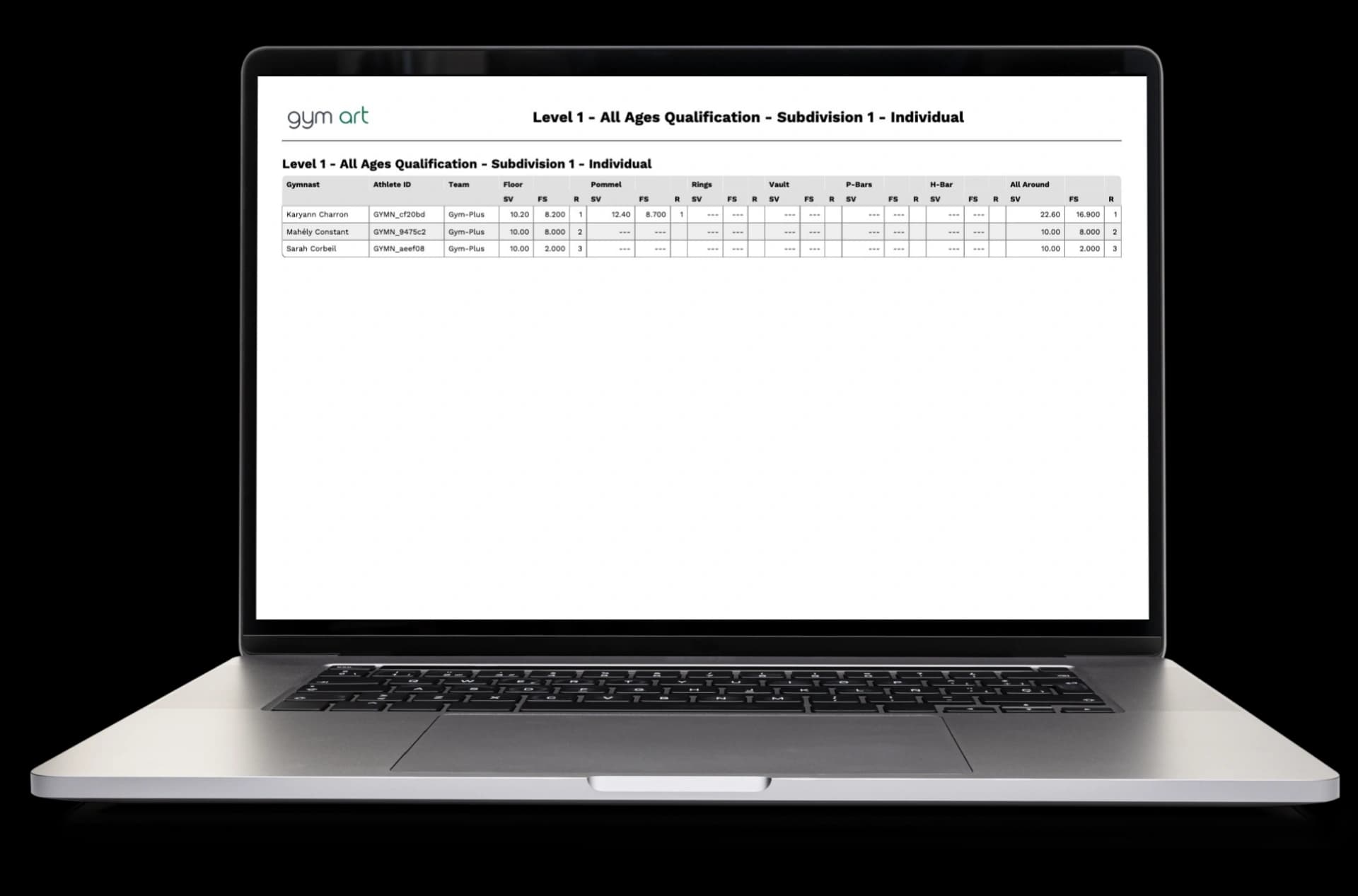
  • Professional headers: every PDF includes the Gym Art logo and meet information
  • Clean formatting: tables are organized and easy to read with proper alignment
  • Page numbers: every page is numbered so you can keep track of multi-page documents
  • Ready to print: PDFs are formatted for standard paper sizes and print perfectly
Professional PDFs ready to print

Export exactly what you need

Choose from different export types and options. Export full results, specific apparatus scores, or squad sheets with starting positions. Save time by exporting multiple sessions together.
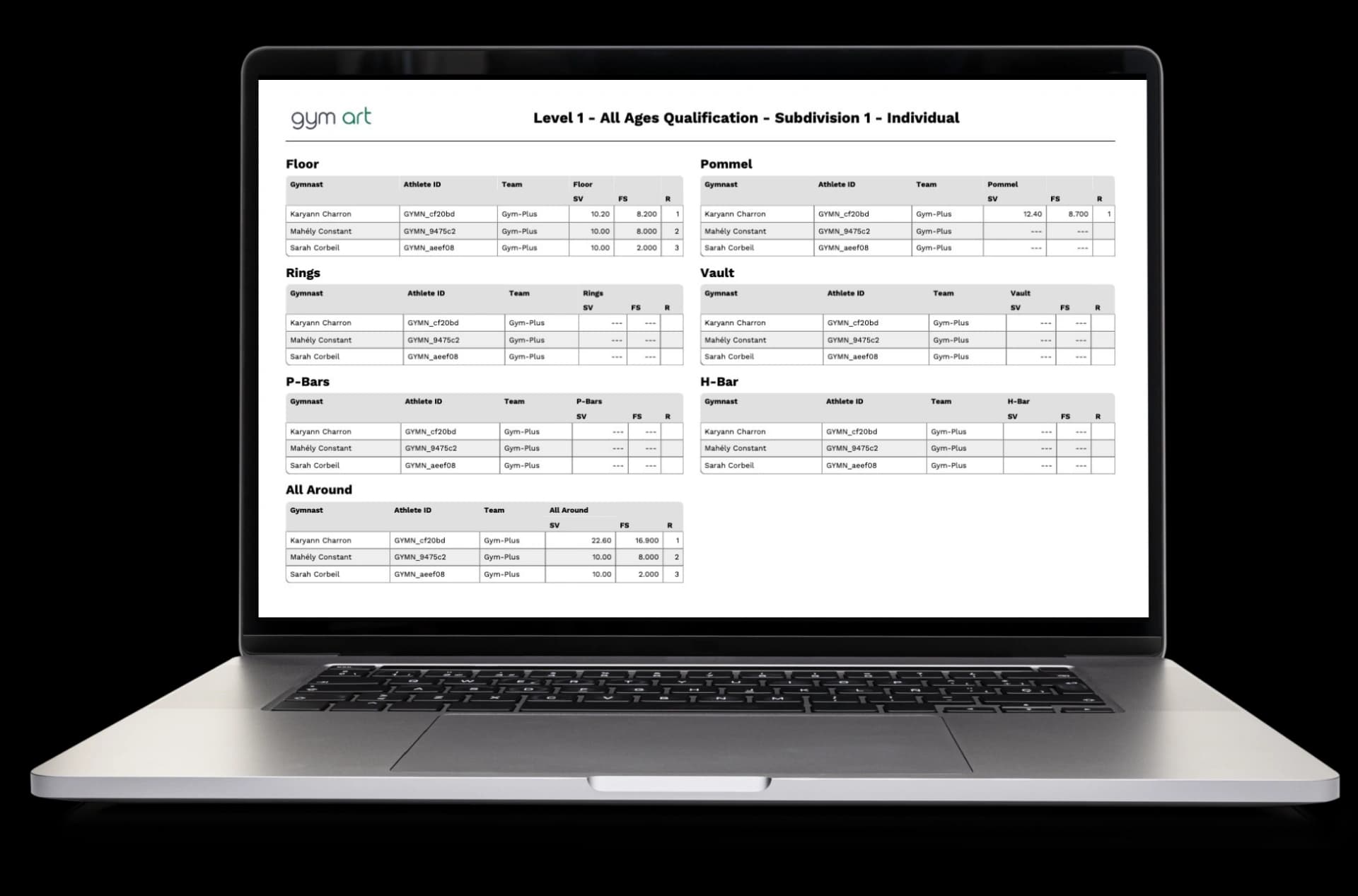
  • Individual or team results: export results for individual gymnasts or team scores
  • Full or apparatus tables: export complete results or focus on specific apparatus scores
  • Squad sheets: export starting positions showing which gymnasts start on which apparatus
  • Multi-session export: select multiple sessions and export them all at once
  • Combined PDFs: merge all sessions into one PDF file for easy sharing
Export exactly what you need

How to export your results

Exporting is simple. Choose what you want, pick your options, preview it, and download. Your PDF is ready in seconds.
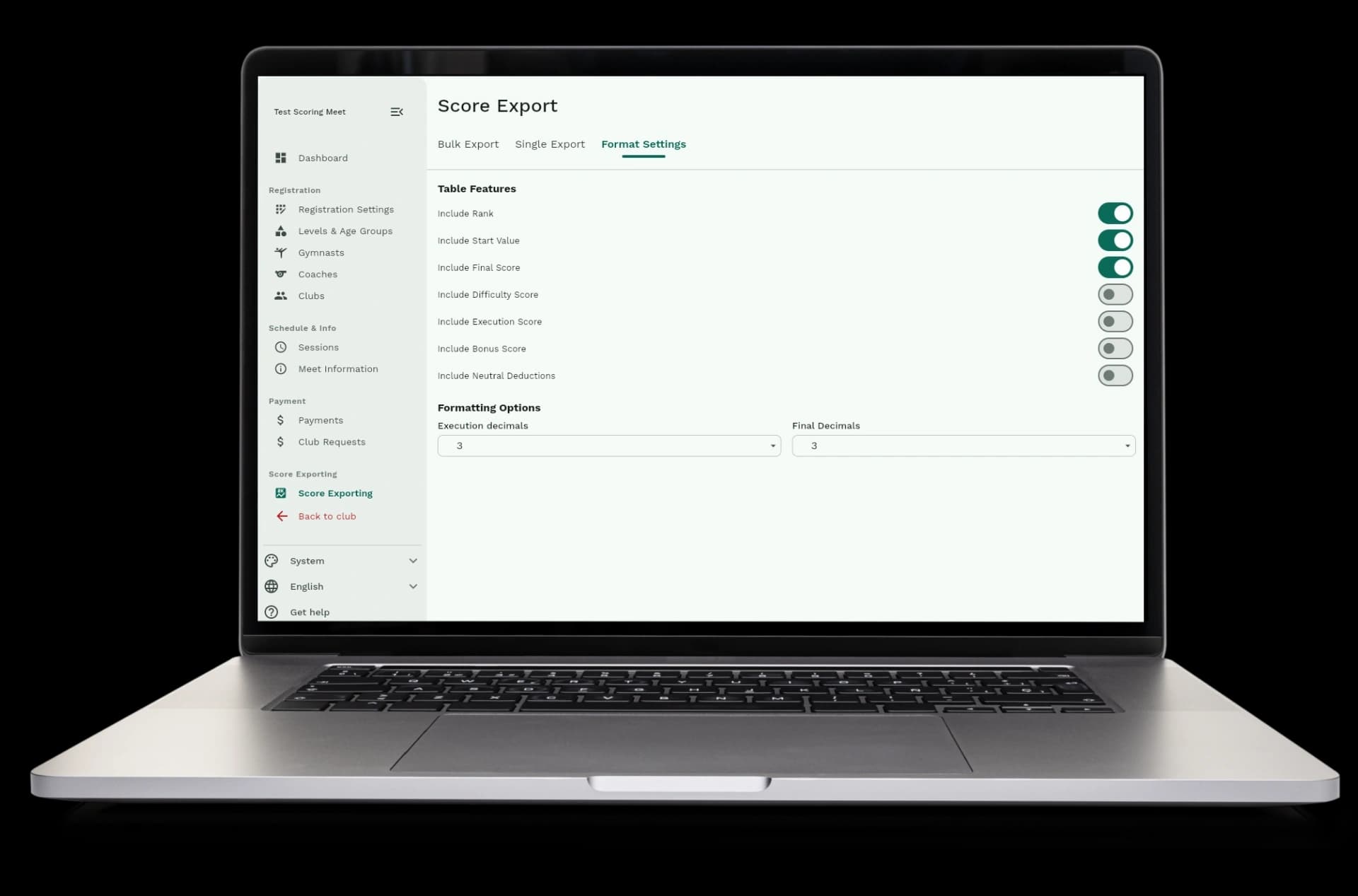
  • Step 1: Go to the results or squad sheets page for your meet
  • Step 2: Choose what you want to export (scores, results, or squad sheets)
  • Step 3: Select your options (individual or team, full or apparatus-specific)
  • Step 4: Preview your PDF to make sure it looks right
  • Step 5: Download your PDF file and share or print it
How to export your results

Automatic formatting and easy sharing

PDFs are formatted automatically with headers, footers, and proper table formatting. Export your results whenever you need them to share with federations, print for awards, or save for records.
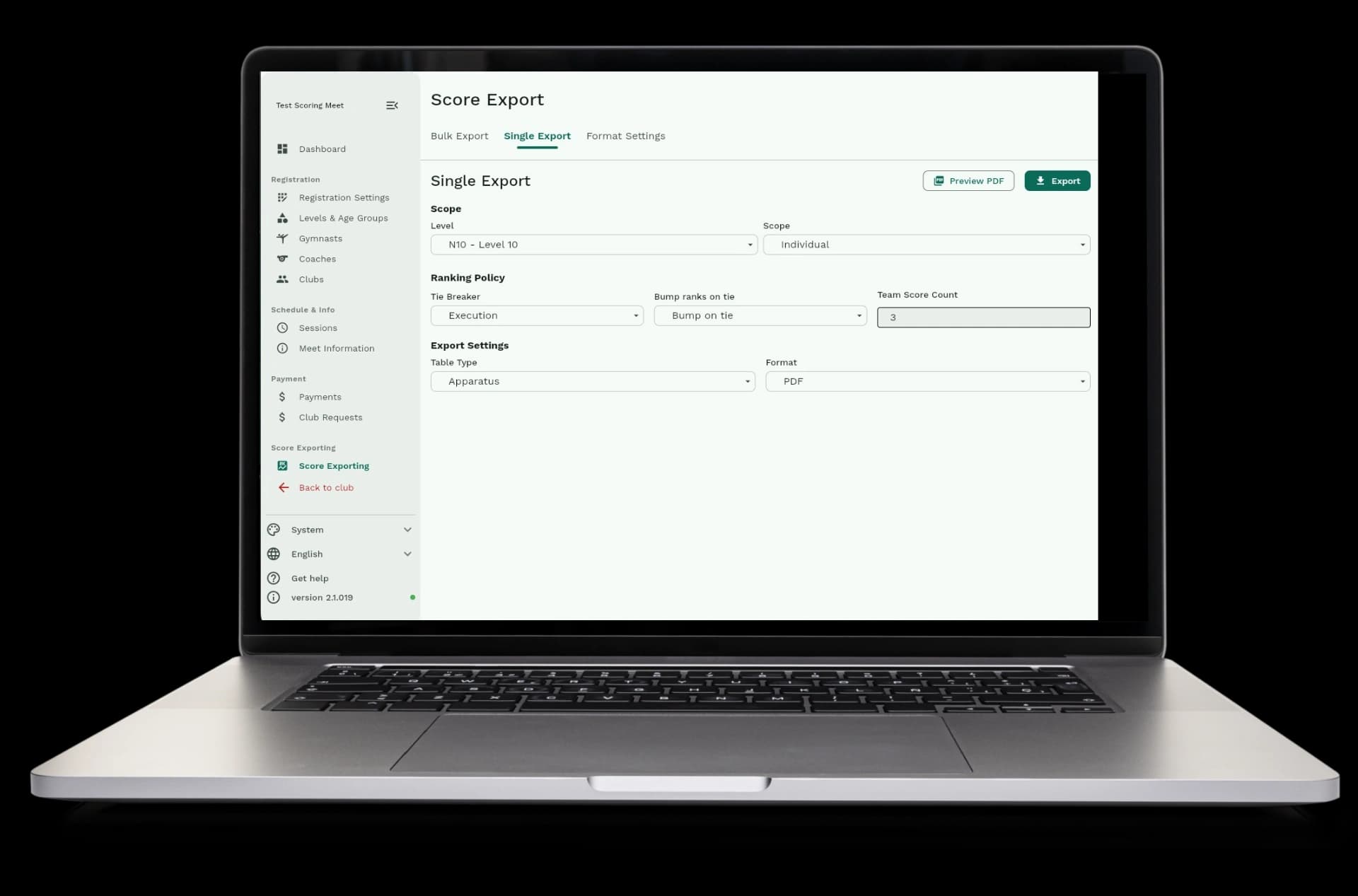
  • Automatic formatting: tables, headers, and footers are added automatically
  • Automatic page breaks: long tables are split across multiple pages automatically
  • Share with federations: send professional PDFs to gymnastics federations
  • Print for awards: print results tables for award ceremonies and presentations
  • Always available: export results anytime, even after the meet is over
Automatic formatting and easy sharing

Available in Gym Art Meets

PDF exporting is part of Gym Art Meets, our meet management platform.